You're in.
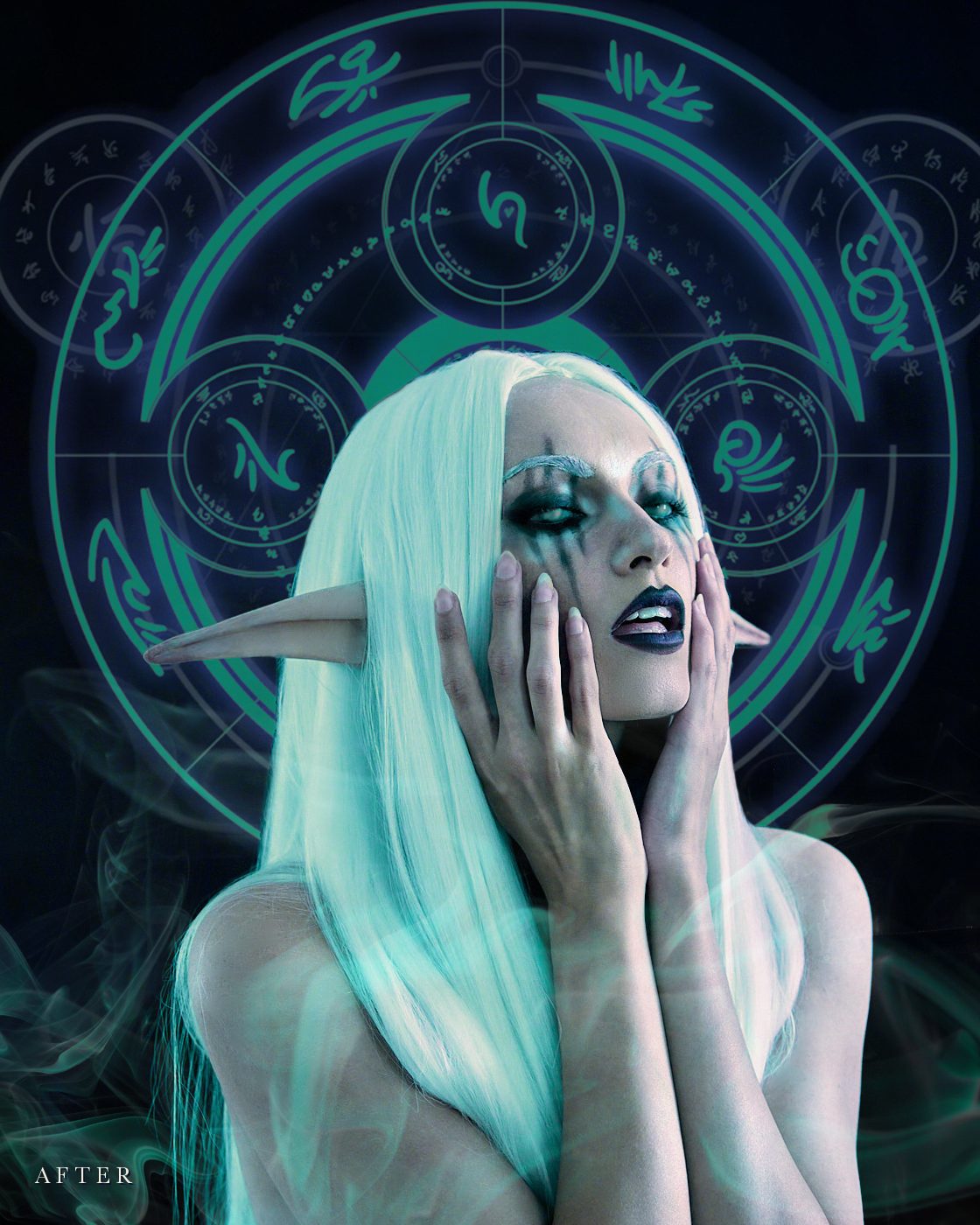
Welcome to The Otherworldly Edit. I'm so glad you're here.
What happens next
- Your login email. Kajabi, the platform that hosts the course, sends it to you on its own, shortly. It has your link to sign in. If you can't find it, peek in your spam or promotions folder.
- A welcome note from me follows soon.
- Start with Lesson 1, "Intro." Have Photoshop open beside it. I made the course in Photoshop 2026, and the latest version is best.
If you added the Practice Assets Pack, you'll find it in your library, right beside the course. The portrait files are watermarked, and the magic elements are for practising on my portrait only. Everything is for learning and noncommercial use. You can post your practice edits on social media only, credited to Rocío Alquati (@alquatica) as photographer and model, with the watermark intact: no portfolios, sharing, resale, watermark removal or AI training. The full license is in the pack as a README.
Anything else you added at checkout is waiting in the same place.
Questions? Write to support@alquatica.com.
Besos, Ro.
Questions? support@alquatica.com · Terms & Conditions · Privacy Policy · © 2026 Alquatica LLC